When I first introduced my kids to coding, technology looked very different from what it does today.
Artificial intelligence was not something most families used every day. Kids were not asking AI tools to create games, explain homework, generate images, or build websites. And conversations about children learning to code were mostly centered around preparing them for future careers in technology.
Things have changed.
Today, our kids are growing up surrounded by artificial intelligence, algorithms, apps, smart devices, games, websites, automation, and technology that can create things in seconds.
So, with AI now capable of writing code, is coding for kids still important?
I believe it is.
But the reason kids should learn coding has evolved.
Teaching children to code is not simply about preparing them to become software developers. Coding can introduce children to problem solving, computational thinking, creativity, persistence, logical reasoning, digital literacy, and the ability to understand how the technology around them actually works.
Those are useful skills whether your child eventually becomes a programmer, doctor, entrepreneur, engineer, designer, scientist, teacher, content creator, or chooses a career that does not even exist yet.
Coding has been part of our family’s learning journey for years. When I started homeschooling and eventually unschooling Aiden, I wanted his education to include more than traditional school subjects.
I wanted him to explore the things he was genuinely curious about.
Coding became one of those things.
Over the years, he has used Bitsbox, taken coding classes through iDTech and Outschool, learned HTML and CSS, and explored technology alongside the many other subjects we include in our homeschool, worldschool, and unschool curriculum.
The technology has changed considerably since we started, but many of the benefits have not.
If you are wondering whether your child should learn to code, here is what parents should know today.
What Is Coding for Kids?
Coding is the process of creating instructions that tell a computer what to do.
Everything from websites and mobile apps to games and smart devices relies on software created using code.
Coding for children, however, does not usually begin with complicated software development.
Young beginners might start by:
- Moving a character across a screen
- Creating a simple animation
- Building an interactive story
- Designing a basic game
- Learning how sequences work
- Experimenting with loops
- Using conditions such as “if this happens, do this”
- Finding and fixing mistakes
- Eventually writing text based code
Some coding platforms use visual programming.
Instead of typing every instruction, children connect blocks that represent different commands. This allows them to understand important programming concepts before worrying about syntax.
Scratch is one of the best known examples. Developed by the Scratch Foundation in collaboration with the MIT Media Lab, Scratch allows children to create interactive stories, games, and animations using block based programming.
Other programs, including Bitsbox, introduce children to typed code relatively early.
The important thing is not whether your eight year old knows Python or JavaScript.
What matters more is what they learn while figuring out how to make something work.
This fits naturally with our family’s approach to learning through play. Children often learn incredibly well when they are given opportunities to explore, experiment, make mistakes, and discover solutions.
Coding can provide another environment where that happens.
At What Age Should Kids Start Coding?
There is no perfect age for every child to begin coding.
Some children can start exploring programming concepts before they can comfortably type. Others may not show an interest until they are much older.
That is completely fine.
For younger children, coding can begin with concepts such as:
- Patterns
- Sequences
- Cause and effect
- Following instructions
- Breaking problems into smaller steps
- Recognizing mistakes
- Trying different solutions
- Logical thinking
Children do not even need to spend all their learning time on a computer to develop these skills.
Cooking, puzzles, building toys, board games, science experiments, and other activities can teach similar problem solving concepts.
We use this approach in our homeschool all the time. For example, something as ordinary as teaching kids math and science through cooking can become an opportunity for hands on learning.
As children become stronger readers and more comfortable using computers, they can progress to visual programming and eventually typed programming languages.
Scratch is primarily designed for children ages 8 to 16, although younger children can use it with help.
Bitsbox currently targets children approximately ages 6 to 12.
Instead of worrying about whether your child is starting early enough, choose something appropriate for their reading ability, attention span, interests, and experience.
7 Benefits of Coding for Kids
1. Coding Teaches Kids How to Solve Problems
One of the biggest benefits of coding for kids has surprisingly little to do with computers.
Coding teaches children how to approach problems.
When a program does not work, something has to change.
Maybe an instruction is missing.
Maybe something is in the wrong order.
Maybe the child made a typing mistake.
Maybe their original idea simply does not work the way they expected.
They have to investigate.
Programmers call this process debugging.
For children, debugging can teach an important lesson:
A mistake does not necessarily mean you failed. Sometimes it simply gives you information about what to try next.
That mindset can be useful in almost every area of learning.
Children encounter problems constantly.
They get math questions wrong.
They struggle with something they are reading.
They build something that falls apart.
They try a science experiment that does not produce the expected result.
They attempt something new and discover they are not immediately good at it.
Coding gives them a relatively safe environment where mistakes are normal.
You create something.
You test it.
It does not work.
You investigate.
You change something.
You test it again.
Eventually, it works.
That process can help children become more comfortable experimenting instead of believing they need to know the correct answer immediately.
It is also one reason our family has enjoyed unschooling and self directed learning. Allowing children to explore something they are genuinely interested in can encourage them to solve problems because they actually care about the outcome.
2. Coding Develops Logical and Computational Thinking
Computers are extremely literal.
They follow instructions.
If your instructions are wrong, the computer will not magically understand what you meant.
That makes coding a useful way for children to practice logical thinking.
Imagine your child wants a character in a game to walk across the screen, jump over an obstacle, collect an object, and display a message.
To create that interaction, they have to break one big idea into smaller instructions.
First do this.
Then do this.
If this happens, do that.
Repeat this action until something changes.
That is part of computational thinking.
Children begin learning how to break complicated problems into manageable parts, recognize patterns, organize instructions, and think about cause and effect.
These skills are useful in computer science, but they can also support learning in mathematics, science, engineering, research, and everyday problem solving.
If your child enjoys science as much as mine does, our list of science YouTube channels for homeschool enrichment is another way to encourage curiosity and logical thinking outside traditional lessons.
Coding does not need to replace other forms of learning.
It can complement them.
3. Coding Gives Kids a Creative Outlet
People sometimes imagine coding as sitting in front of a black screen typing endless lines of technical commands.
Programming can involve plenty of typing, but coding can also be incredibly creative.
Children can use code to create:
- Games
- Stories
- Animations
- Websites
- Apps
- Digital art
- Interactive quizzes
- Music projects
- Simulations
- Robots
- Simple AI projects
Scratch was specifically built around this creative approach to programming. Instead of simply answering coding questions, children can create interactive stories, animations, and games.
That distinction matters.
There is a big difference between spending an hour playing a game someone else created and spending an hour trying to build your own game.
Both activities happen on a screen.
But the thinking taking place can be completely different.
I have always believed that children need opportunities to create things.
Sometimes that means painting.
Sometimes it means writing.
Sometimes it means building.
Sometimes it means experimenting with science.
And sometimes it means creating something on a computer.
Our approach to keeping kids engaged with books follows a similar philosophy. Instead of making learning entirely passive, I like finding ways for kids to interact with what they are learning and create something from it.
Coding can turn technology into a creative tool rather than simply another source of entertainment.
4. Coding Can Teach Persistence
Children learn something very quickly when they start coding.
Their first attempt will not always work.
And that is normal.
Even experienced software developers spend time figuring out why code that should work is not behaving as expected.
For children, this can become a valuable lesson in persistence.
Imagine your child spends twenty minutes creating a small game.
They click the button to run it.
Nothing happens.
Now they have a choice.
Quit or investigate.
When they eventually discover that one small mistake was causing the problem and the program finally works, they experience the satisfaction of solving something themselves.
That feeling matters.
It can teach children that struggling with something does not automatically mean they are bad at it.
Of course, the goal is not to frustrate kids until they hate programming.
If your child is genuinely stuck, help them.
But try not to immediately solve every problem for them.
Ask:
“What do you think is happening?”
“Which part worked?”
“Where did it stop working?”
“What happens if we change this?”
“What else could we try?”
Let them participate in finding the answer.
This is something I have seen repeatedly throughout our homeschooling journey. Children can surprise you when you give them enough space to work through a challenge themselves.
5. Coding Helps Kids Understand the Technology Around Them
This is one of the biggest reasons I think coding for kids remains important in 2026.
Today’s children are growing up surrounded by technology.
They interact with:
- Artificial intelligence
- Algorithms
- Apps
- Recommendation systems
- Games
- Smart devices
- Websites
- Social media
- Voice assistants
- Automation
- Connected devices
Children do not necessarily need to become software engineers.
But I want my child to understand that technology is something people build.
Apps do not magically appear.
Websites do not magically know what to display.
Algorithms are created by people.
AI systems are trained using data.
Software follows instructions.
Someone makes decisions about how these systems work.
Learning basic coding can remove some of the mystery surrounding technology.
Instead of seeing computers as magical boxes, children begin understanding that digital experiences are created through instructions, logic, data, design, and human decisions.
That kind of digital literacy matters.
Our list of learning websites for kids contains resources covering coding, mathematics, science, reading, geography, languages, and other subjects because technology can be used for much more than entertainment.
Likewise, these learning apps for kids from preschool through high school can help parents turn at least some of their child’s screen time into opportunities to learn.
As children get older, conversations about coding can naturally expand into artificial intelligence, privacy, cybersecurity, algorithms, misinformation, automation, and responsible technology use.
That is the kind of digital education children increasingly need.
6. Coding Can Introduce Kids to Future Careers

I do not think parents should pressure young children into choosing careers.
A seven year old does not need a ten year career plan.
Childhood should include exploration.
But exposing children to coding gives them an opportunity to discover whether technology is something they genuinely enjoy.
Computer science skills can eventually connect to careers in:
- Software development
- Artificial intelligence
- Cybersecurity
- Robotics
- Data science
- Game development
- Web development
- Engineering
- Product development
- App development
- Scientific research
- Automation
- Cloud computing
And technology skills increasingly overlap with careers outside traditional technology companies.
According to the U.S. Bureau of Labor Statistics, employment for software developers is projected to grow considerably faster than the average for all occupations during the current 2024 to 2034 projection period.
The growth of artificial intelligence does not automatically mean software skills are becoming irrelevant. AI, automation, robotics, cybersecurity, and connected devices are themselves creating demand for people who understand technology.
But I would not tell a child to learn coding simply because “coding jobs pay well.”
That is too narrow.
Expose them to different things and see what catches their interest.
That is something we have done throughout Aiden’s education. He has explored coding, science, geography, languages, investing, writing, travel, and many other subjects.
Our homeschool curriculum and resources have changed over time because his interests and educational needs have changed too.
That flexibility is valuable.
7. Coding Helps Kids Become Creators, Not Just Consumers
This might be my favorite benefit of coding for kids.
Children consume a tremendous amount of digital content.
They watch videos.
They play games.
They browse websites.
They use apps.
They watch YouTube.
They interact with AI.
There is nothing inherently wrong with entertainment.
But I also want children to experience the other side of technology.
How do you make a game?
How do you create an animation?
How does a website know what happens when someone clicks a button?
How would you build your own app?
How does a computer decide what happens next?
Suddenly, the question changes from:
“What can I watch?”
to:
“What can I make?”
That is a powerful shift.
Even YouTube can become an educational tool when used intentionally. I have shared how we have used YouTube to supplement our homeschool curriculum for subjects including math, science, history, languages, and even coding.
Technology does not have to mean passive screen time.
It can also mean creating, researching, experimenting, communicating, and solving problems.
Our Experience Using Bitsbox for Coding
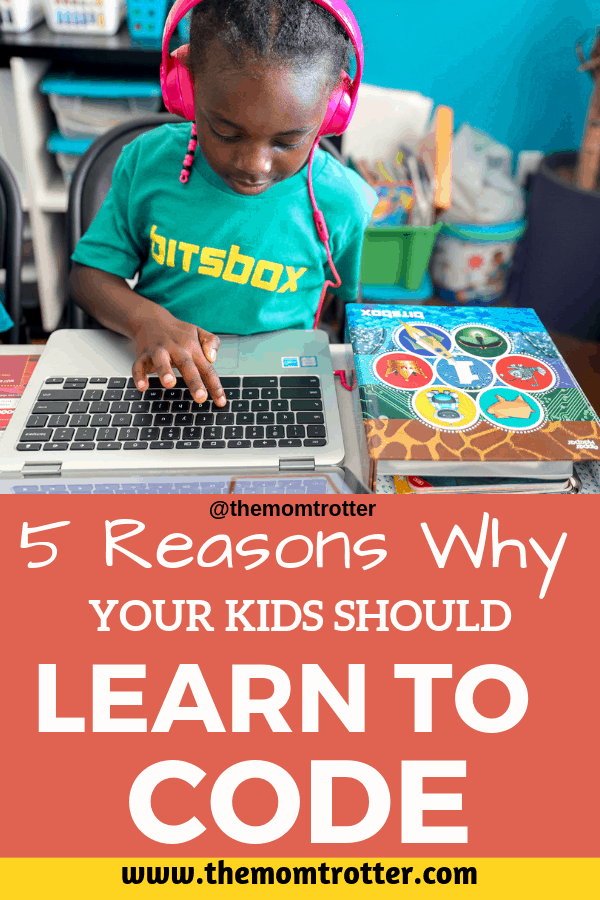
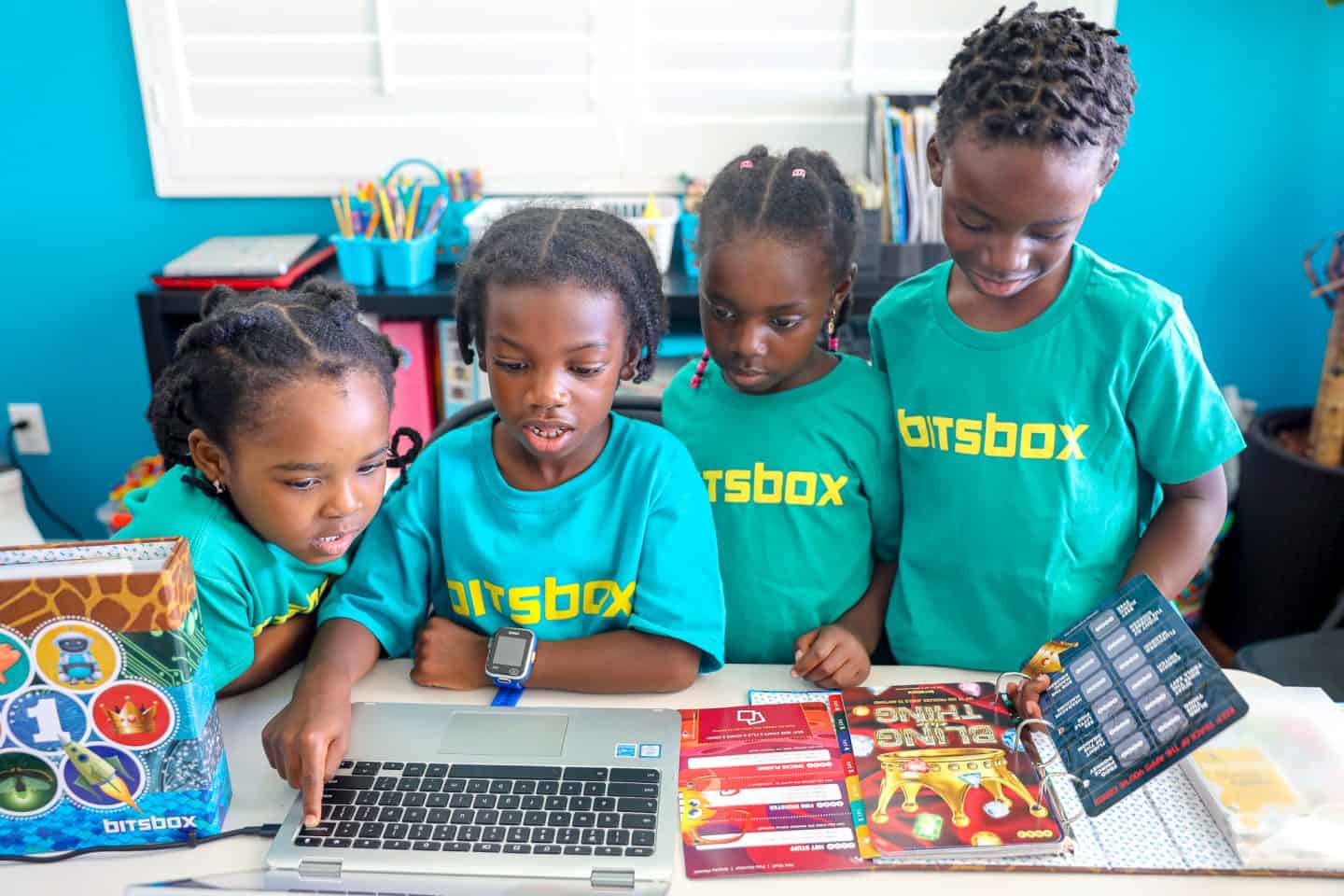
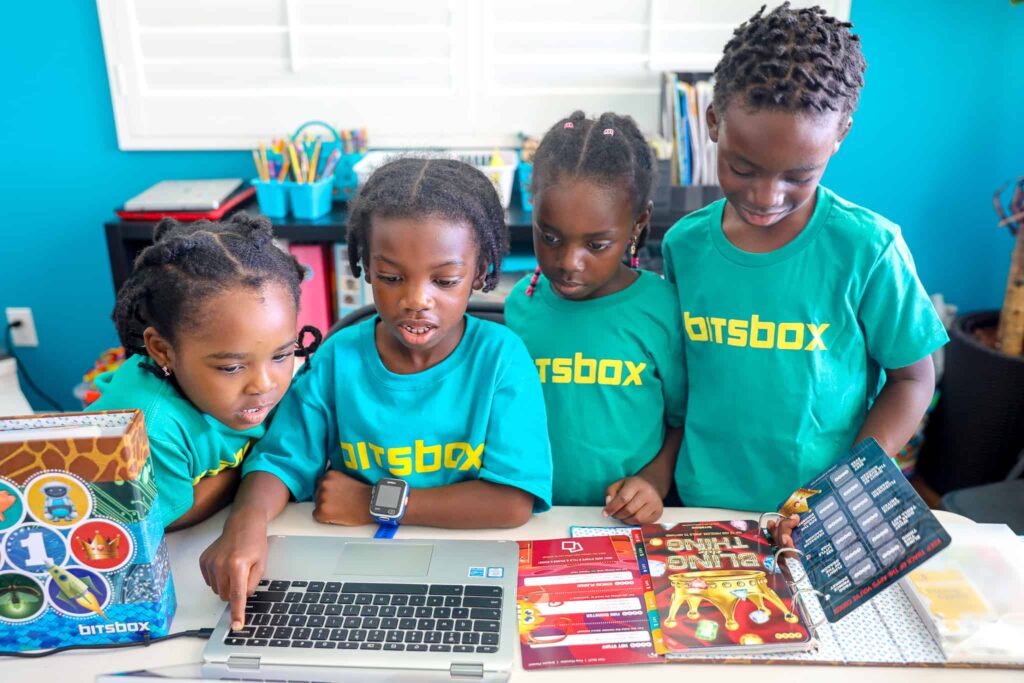
One of the first resources I discovered when looking for ways to introduce coding into our homeschool was Bitsbox.
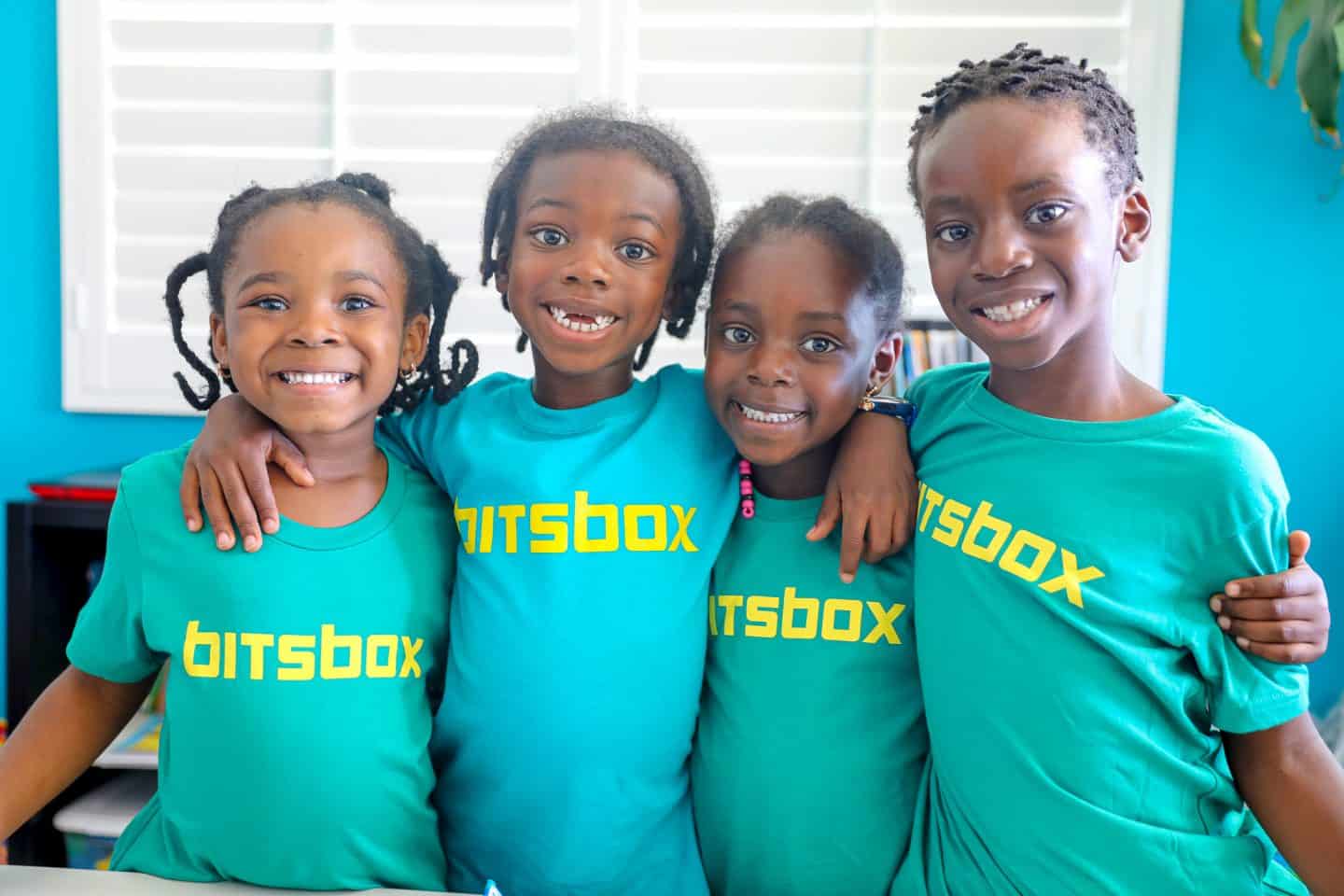
The boys started experimenting with coding when they were very young.
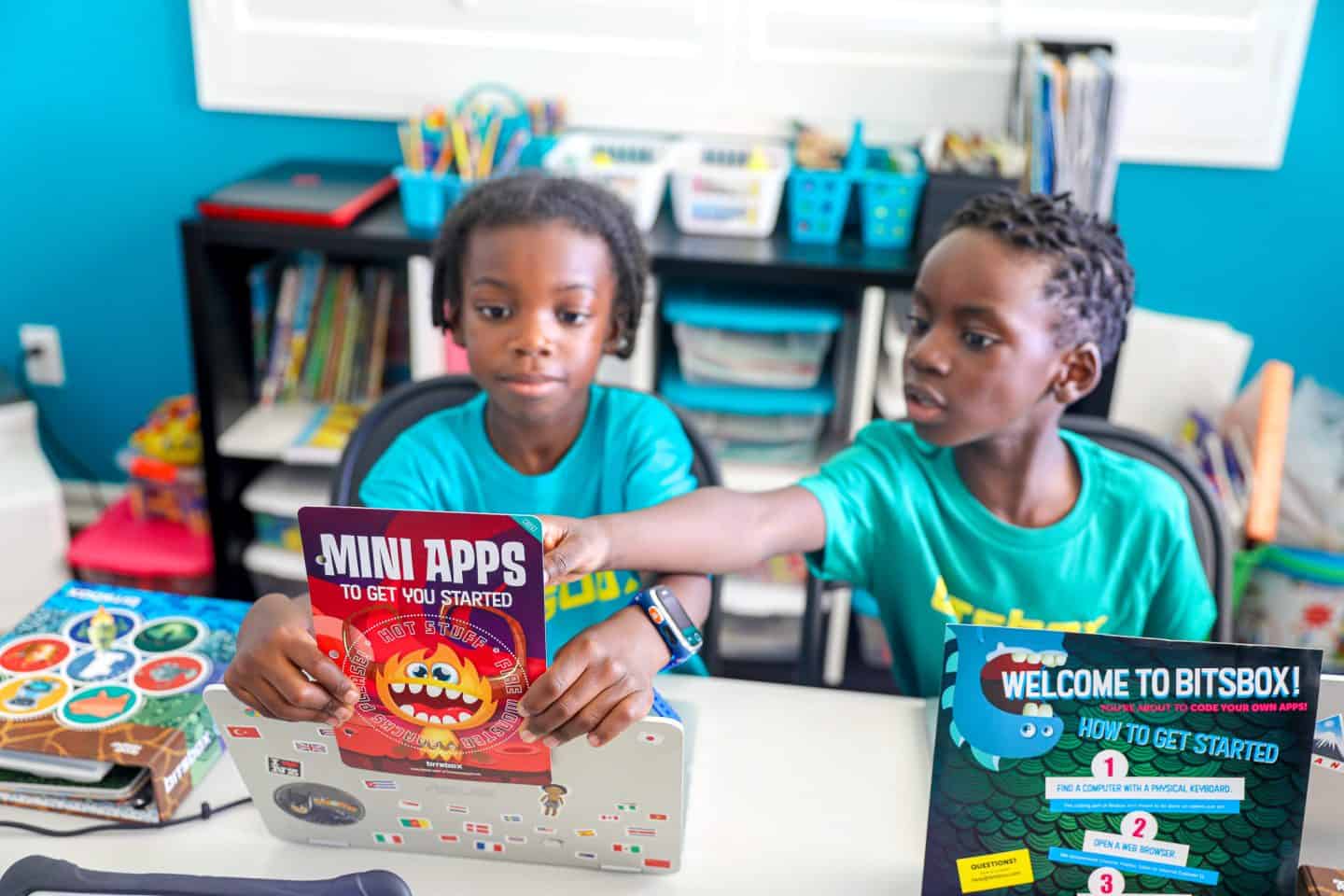
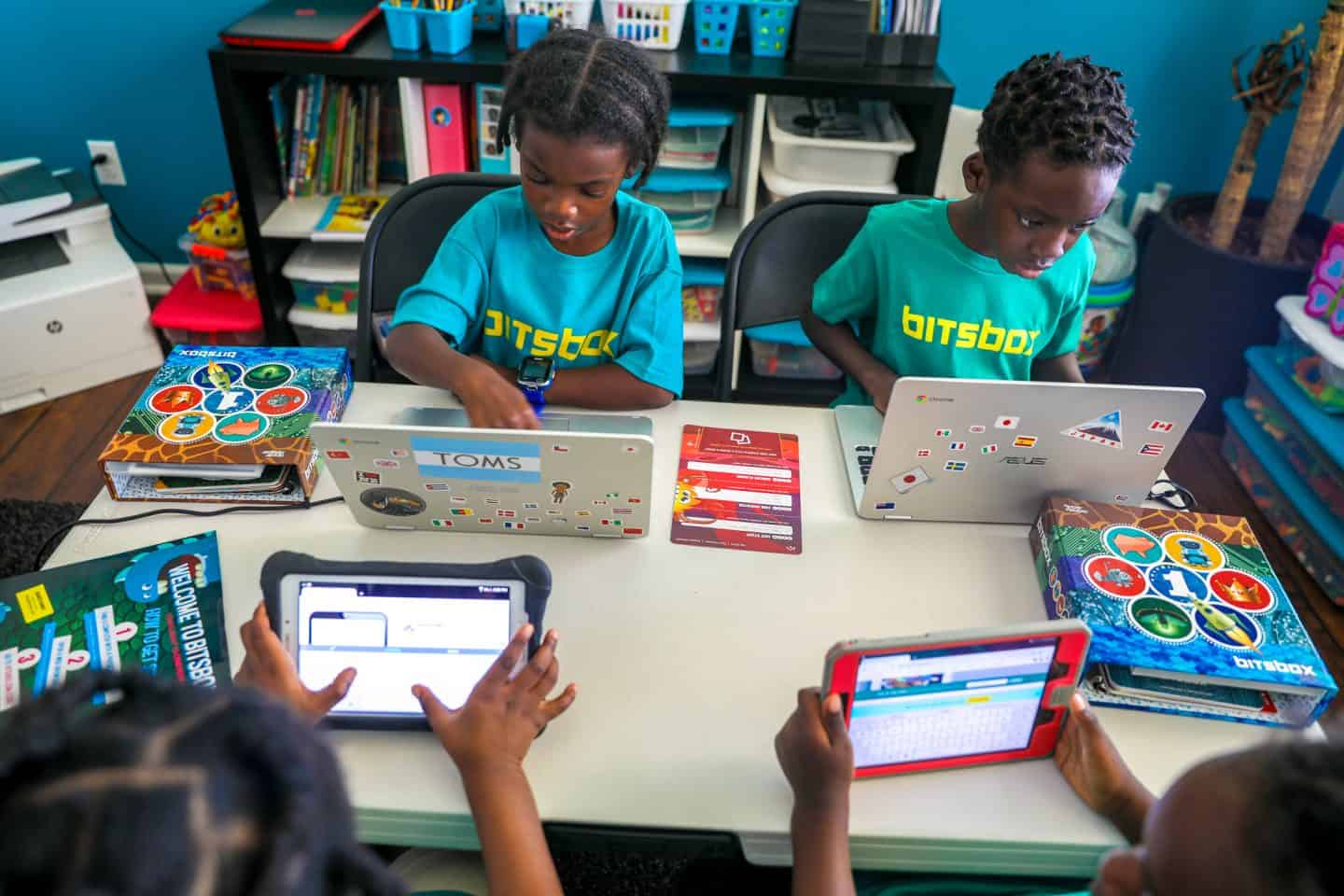
At first, they used my laptop while the girls watched. As they became more comfortable with computers, they gradually started working through coding activities more independently.
I loved watching that progression.
It was not about turning them into professional programmers.
They were learning how to follow instructions.
They were typing.
They were experimenting.
They were troubleshooting.
And most importantly, they were excited when something they created actually worked.
Bitsbox has also appeared in other parts of our homeschool journey. When I wrote about homeschool funding in California, subscription boxes such as Bitsbox were among the types of educational resources we used in our homeschool.
That is one of the things I have always appreciated about homeschooling.
Learning can happen in many different ways.
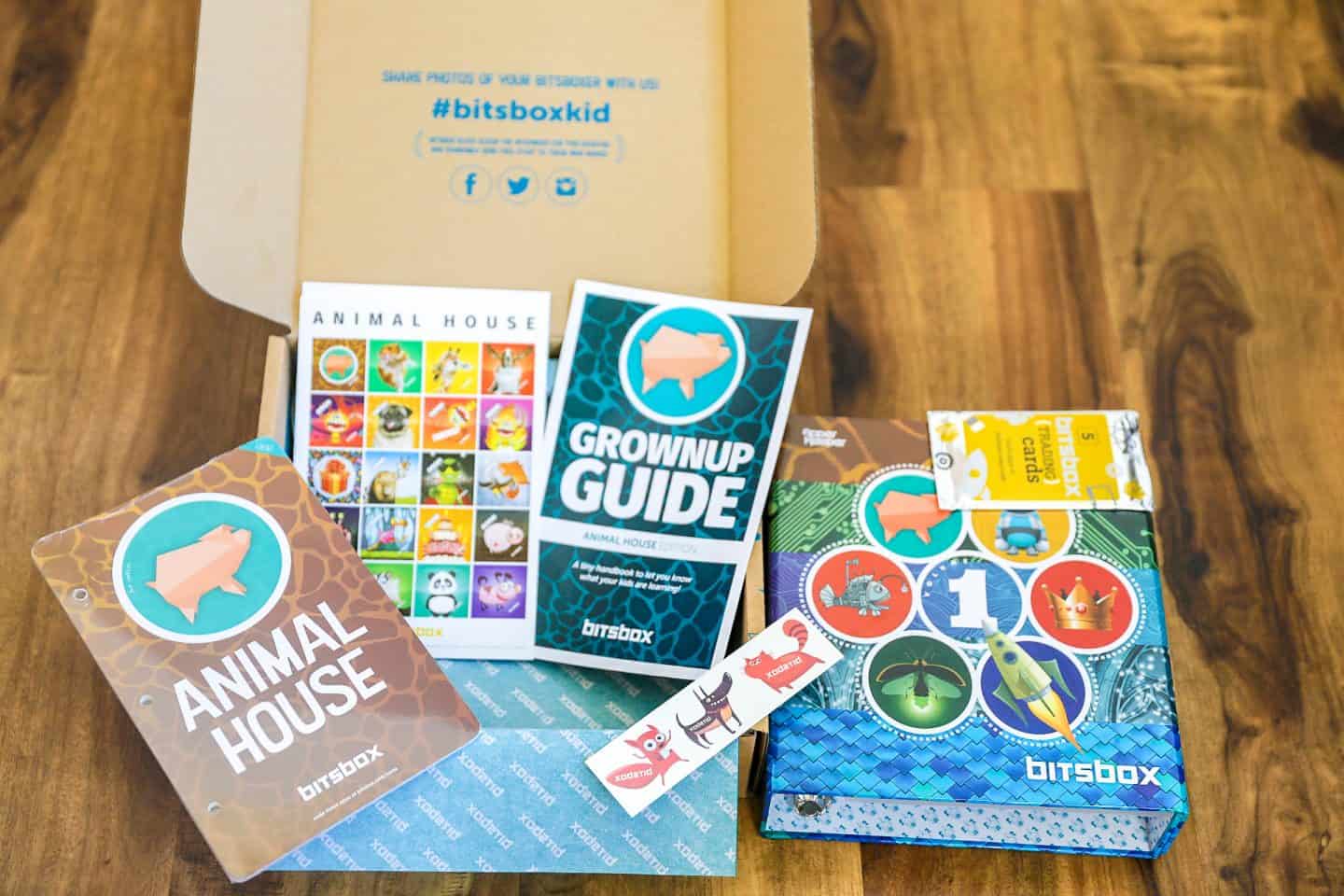
What Is Bitsbox?

Bitsbox is a coding learning system designed primarily for children ages 6 to 12.
Unlike platforms that rely entirely on visual programming blocks, Bitsbox introduces children to typed code.
Kids use the Bitsbox coding environment through a web browser to create apps and projects.
No previous coding experience is required.
Younger children may need help from a parent, particularly if they are still developing their reading and typing skills. Older children can generally work more independently.
Parents should check the Bitsbox website for current subscription options, features, compatibility, and pricing because those details can change over time.
That is especially important because this article was originally written several years ago.
I would rather point you toward the current information than leave an old price here that may no longer be accurate.

For homeschool families, self paced resources such as Bitsbox can be helpful because parents do not necessarily need to know programming themselves before their child begins.
Homeschooling does not mean you need to be an expert in every subject.
Sometimes your job is simply to find the right resource and learn alongside your child.

If you are looking for more options beyond coding, I put together a resource guide for Black homeschooling families that includes educational organizations, STEAM resources, communities, and other tools families can explore.
Is Coding Still Important for Kids in the Age of AI?
This is the question I think every updated coding article should address today.
AI can generate code.
It can create websites.
It can explain programming errors.
It can write functions in seconds.
So why should kids still learn coding?
Because the value of learning to code was never just memorizing programming syntax.
Calculators can solve equations, but children still learn mathematics.
Spellcheck can correct spelling, but children still need to understand language.
AI can generate paragraphs, but children still need to know how to communicate and think critically.
The same idea applies to coding.
AI is changing how programmers work.
Children growing up today may eventually write less code manually than previous generations of developers.
But they can still benefit from understanding:
- Logic
- Algorithms
- Variables
- Data
- Conditions
- Inputs and outputs
- Debugging
- Computational thinking
- How software works
- How to evaluate AI generated results
- How to identify when technology is wrong
Being able to generate code is not the same as understanding what the code does.
That distinction may become even more important as AI becomes more capable.
So instead of thinking:
“My child needs to memorize programming languages.”
I would think:
“My child should understand how technology works and learn how to use it to solve problems and create things.”
That is a much more useful goal.
Best Coding Resources for Kids
Bitsbox is not the only option available.
Different children will respond to different learning styles.
Scratch
Scratch is a free programming platform primarily designed for children ages 8 to 16.
Children can create interactive stories, games, and animations using visual programming blocks.
It is a great starting point for kids who enjoy creating things but are not ready to spend lots of time typing code.
Experience CS
Experience CS from the Raspberry Pi Foundation provides project based computer science learning materials for children and educators.
It is worth mentioning because parents may still come across older recommendations for Google’s CS First program when researching coding resources.
Google discontinued CS First in 2025, and Experience CS is one of the current resources families and educators can explore instead.
Swift Playground
Swift Playground is Apple’s learning environment for Swift.
It is available for iPad and Mac and allows learners to explore programming through interactive lessons before progressing toward building apps.
This may be particularly interesting for older kids who have moved beyond visual block coding and want to experiment with text based programming.
Online Classes
Some children learn better with an instructor.
That was the case at different stages of our own homeschool journey.
Aiden has taken coding classes through iDTech and Outschool, including classes involving HTML and CSS.
If your child enjoys interacting with teachers or other students, live online classes may work better than handing them a coding website and expecting them to teach themselves.
This is one reason I do not believe there is one perfect homeschool resource.
Some children love books.
Some love videos.
Some prefer live classes.
Some learn by experimenting.
Our family’s approach has always been to use whatever combination helps the child learn.
How to Introduce Coding to Your Child
You do not need to create a complicated computer science curriculum.
Start with your child.
What do they already enjoy?
If they love games, let them try creating a simple game.
If they love stories, introduce interactive storytelling.
If they love art, let them experiment with animation.
If they love building things, robotics might eventually interest them.
If they enjoy puzzles, coding challenges might appeal to them.
Connect coding to something they already care about.
That is one of the biggest things I have learned from self directed education.
Children can become incredibly motivated when learning connects naturally with their interests.
You also do not need hours of coding every day.
Twenty or thirty minutes a few times each week can be enough for a beginner.
Let your child experiment.
Let them create silly projects.
Let them change things just to see what happens.
Let them make mistakes.
Then encourage them to figure out why something did not work.
That curiosity is where much of the learning happens.
And remember that learning does not need to happen exclusively behind a desk.
One of the reasons we have embraced worldschooling is that children can learn everywhere.
Museums, travel, nature, cooking, books, videos, conversations, computers, and real world experiences can all become part of an education.
If you are considering homeschooling yourself, my guide to homeschooling in California explains the different options we considered and how we approached the process.
For families elsewhere, requirements will be different, but the bigger lesson remains the same: build an educational environment that works for your child.
Frequently Asked Questions About Coding for Kids
Is coding good for kids?
Coding can be a useful learning activity because it introduces children to problem solving, logical reasoning, computational thinking, creativity, debugging, and digital literacy.
The goal does not need to be turning every child into a software developer.
Coding can simply be another way for children to learn how to think, create, and solve problems.
What is the best age for kids to start coding?
There is no universal best age.
Young children can begin learning concepts such as patterns, sequences, instructions, and cause and effect without writing traditional code.
As their reading, typing, and reasoning skills develop, they can progress to platforms such as Scratch and Bitsbox.
Choose something appropriate for your child’s developmental level instead of rushing because another child started earlier.
Can a 5 year old learn coding?
Yes, but coding for a five year old should look different from coding for a teenager.
At that age, focus on simple sequences, patterns, logic, games, visual programming, and parent assisted activities.
The objective should be curiosity and understanding rather than mastering a professional programming language.
Does my child need to be good at math to learn coding?
No.
Advanced mathematics is important in certain areas of computer science, but children do not need to be exceptional at math before they begin programming.
Beginner coding uses many skills, including reading instructions, recognizing patterns, thinking logically, experimenting, and solving problems.
Math itself can also become more interesting when children encounter it in practical situations. We have used everything from coding to meal planning and cooking to teach math and science.
What coding language should kids learn first?
There is no single correct answer.
For younger children, visual programming environments such as Scratch can make programming concepts easier to understand.
Children ready for typed code can explore beginner friendly platforms such as Bitsbox.
Older students may eventually explore languages such as Python, JavaScript, Swift, HTML, and CSS depending on what they want to build.
Focus first on concepts rather than worrying about finding the perfect programming language.
Will AI make learning coding useless?
No, but AI is changing what learning to code should look like.
Children should not focus exclusively on memorizing syntax.
They should develop problem solving, computational thinking, debugging, logical reasoning, and an understanding of how software works.
As AI generated code becomes more common, understanding what a program is supposed to do and being able to evaluate whether it works correctly may become even more valuable.
Do kids need their own computer to learn coding?
Not necessarily.
Some coding resources work on tablets, while others work better on laptops and desktop computers with physical keyboards.
A shared family computer can be enough for a beginner.
You do not need to purchase an expensive laptop simply because your child wants to explore programming.
When our kids began, they did not all immediately have their own computers either.
Start with what you have.
Is coding good for homeschoolers?
Yes.
Coding can work particularly well in a homeschool environment because children can learn through self paced projects, online classes, videos, and hands on experimentation.
Parents also do not need to know programming themselves.
There are plenty of online learning websites for kids that can guide children through subjects their parents may not personally be experts in.
You can also combine coding with other resources. Our family has used educational apps for different age groups, YouTube, online classes, books, travel, experiments, and hands on activities.
That variety is one of the things I enjoy most about homeschooling.
Final Thoughts on Coding for Kids
When I originally wrote this article, technology looked very different.
Today, artificial intelligence is changing how software is created, children are interacting with technology earlier, and digital tools are becoming part of almost every industry.
That has changed the way I think about why kids should learn coding.
I do not believe every child needs to become a programmer.
I do not think parents should force children to spend hours memorizing programming languages.
And I definitely would not tell parents that learning to code guarantees their child a high paying technology career.
What I do believe is that children should have opportunities to understand the technology shaping their world.
Coding can teach children to break problems into smaller pieces.
It can encourage them to experiment.
It can teach them that mistakes are often part of creating something.
It can encourage creativity.
It can introduce them to computer science.
It can help them understand AI and software more clearly.
And it can transform a computer from something they simply consume content on into something they can use to create.
That is why coding has remained part of our family’s learning journey.
Whether your child eventually becomes a developer, doctor, artist, entrepreneur, scientist, engineer, teacher, designer, or chooses something completely different, understanding how technology works is unlikely to be wasted knowledge.
Start small.
Choose something appropriate for your child’s age.
Let them explore.
Let them build.
Let them make mistakes.
And focus less on whether they are becoming the next great programmer and more on what they are learning while they create.
If you are looking for more ways to make learning engaging at home, explore our Black homeschooling family resource guide, science resources for homeschoolers, and ideas for using books creatively with kids.
Has your child tried coding yet? What coding program or resource has worked best for your family? Let me know in the comments.
This article was originally created in partnership with Bitsbox and has since been extensively updated to reflect current coding resources, technology, and our family’s experience. All opinions are my own.